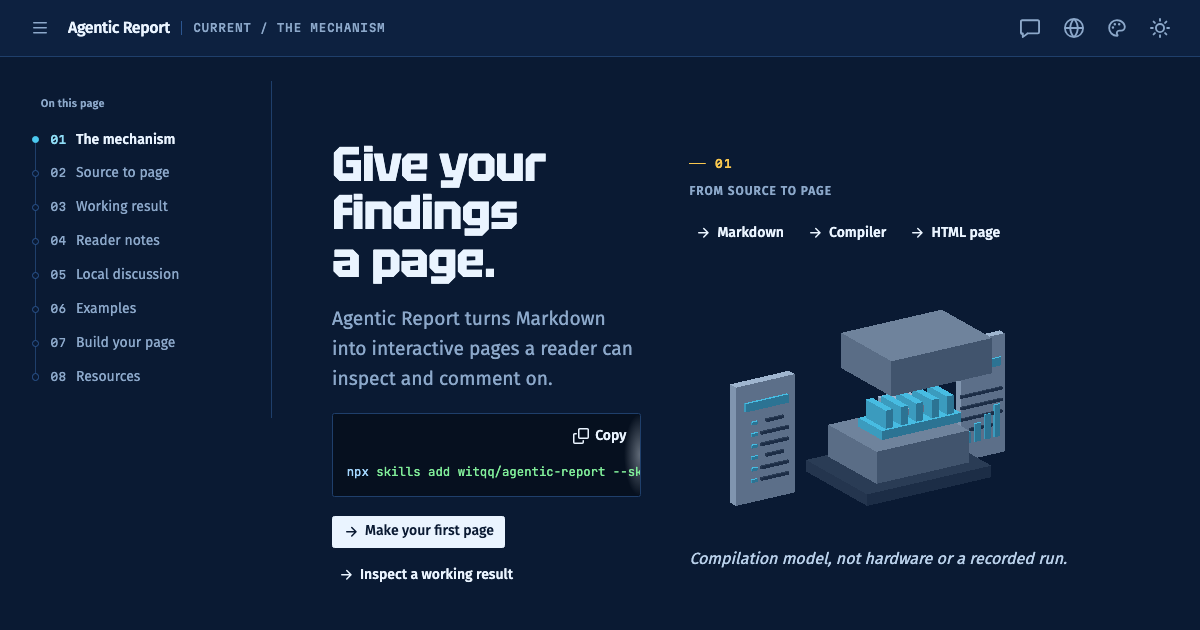
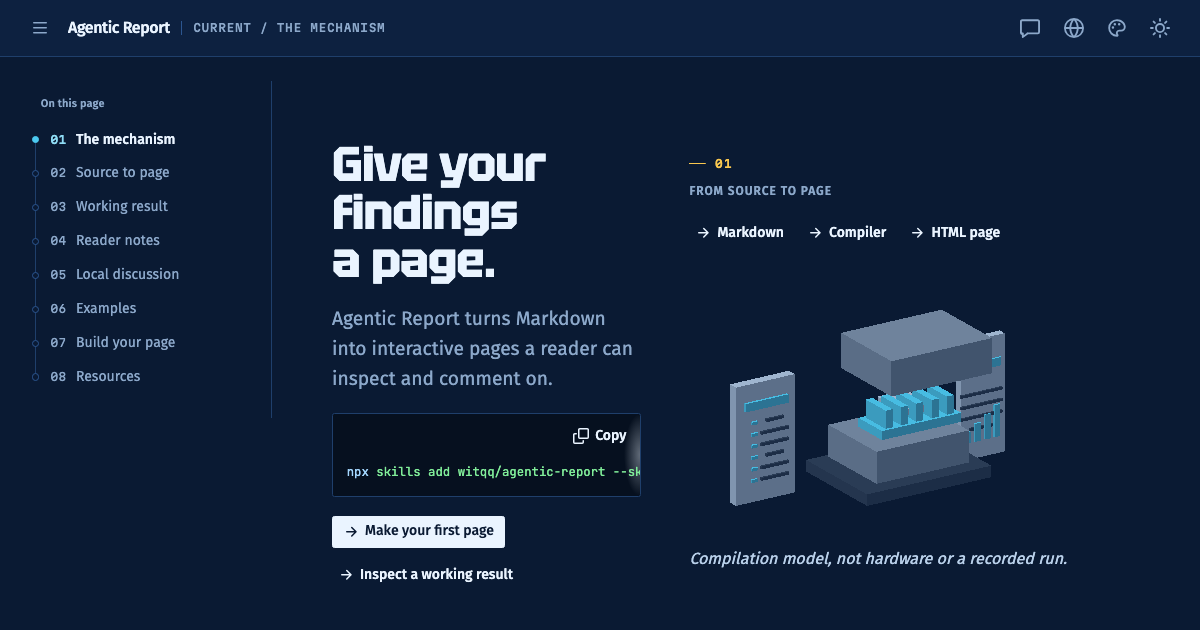
Give your findings a page.
Agentic Report turns Markdown into interactive pages a reader can inspect and comment on.
npx skills add witqq/agentic-report --skill agentic-reportFrom source to page
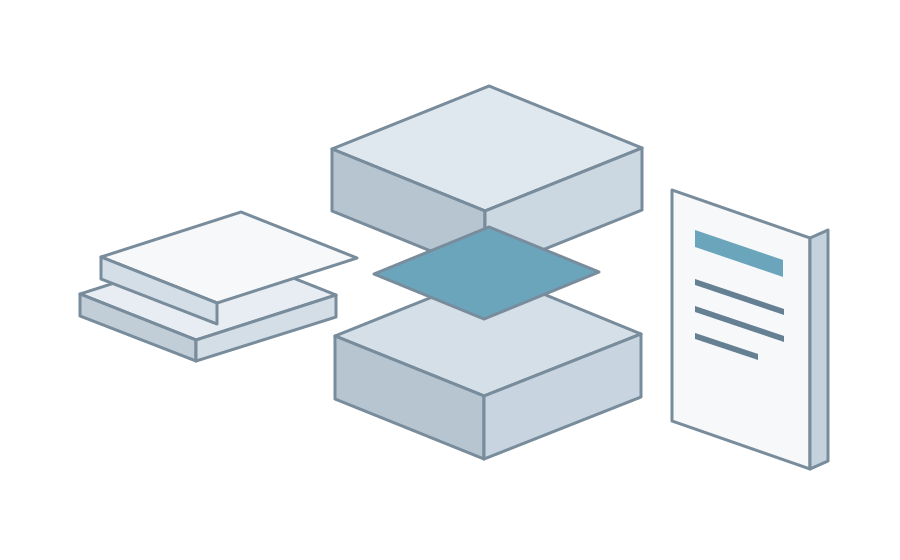
Compilation model, not hardware or a recorded run.
Keep the source. Build the page.
Write what you know
Markdown holds the explanation. Local JSON supplies the figures; assets, shared partials and YAML/JSON theme data stay with the source.
Build from that source
The compiler checks the format and file boundaries before writing the result. The author checks the claims. Custom code enters through explicitly declared extensions.
Give the reader a working page
The default result is one HTML file that opens from disk. Figures have native controls; text can carry review notes. Directory output keeps separate assets when a larger page needs them.
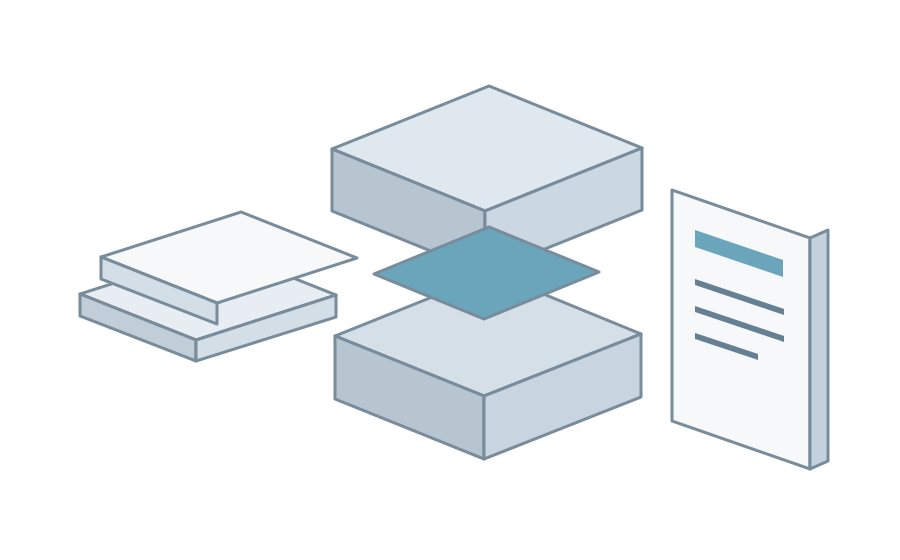
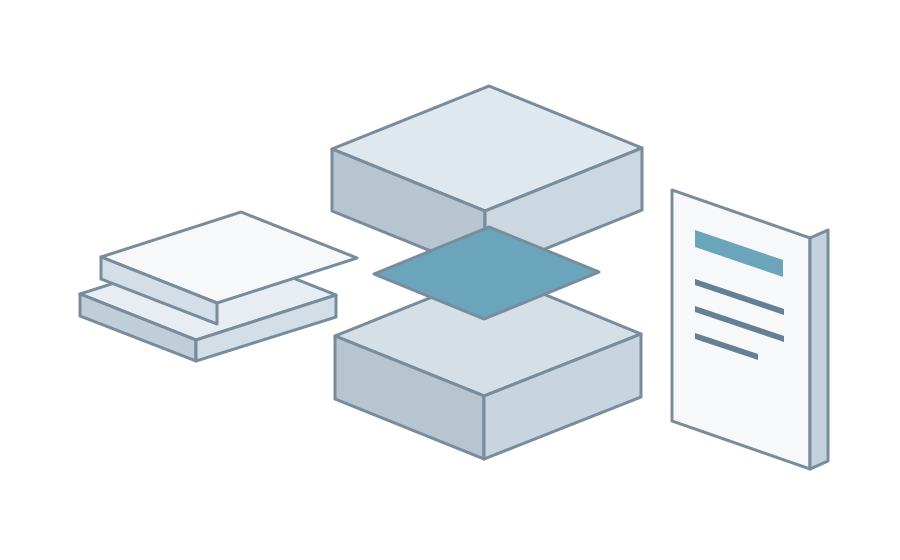
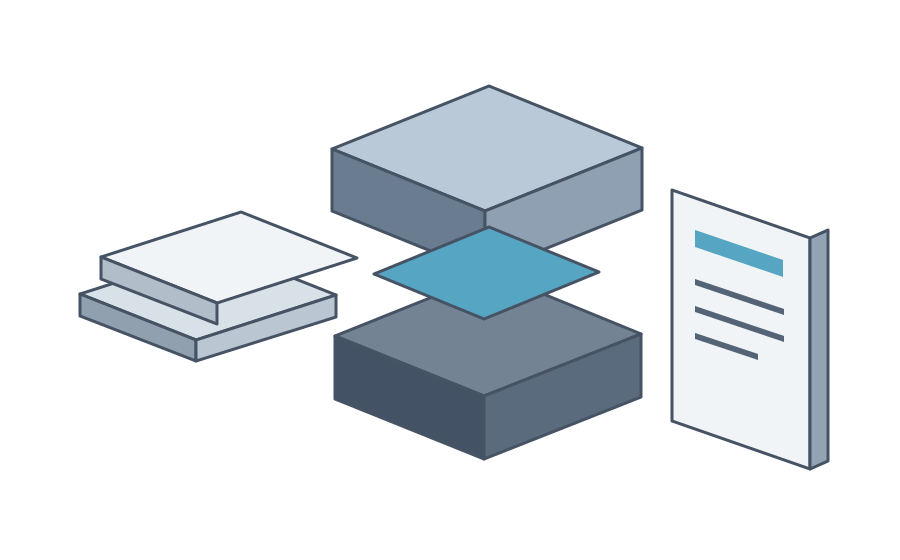
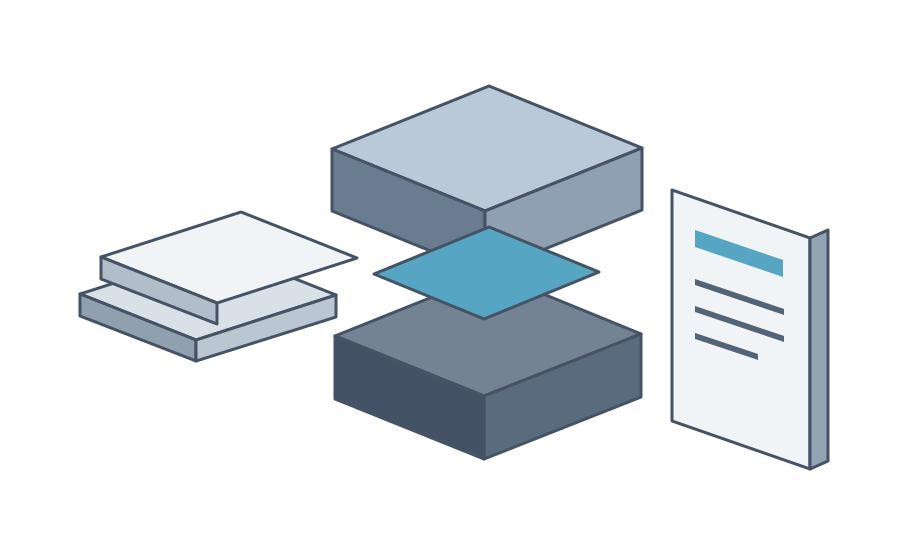
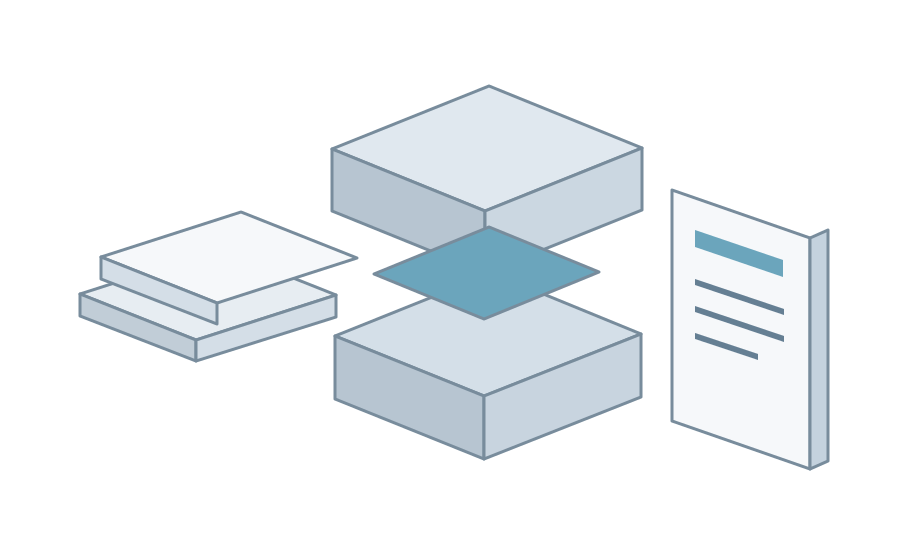
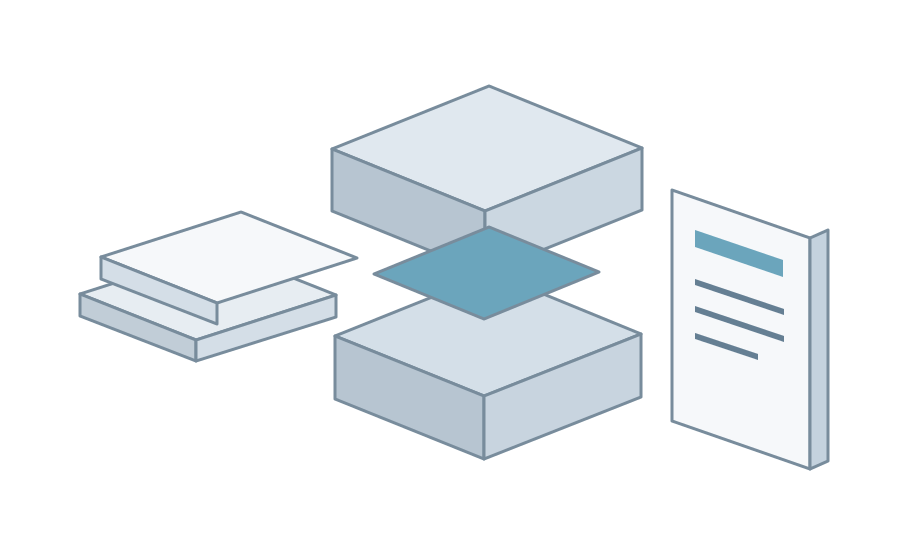
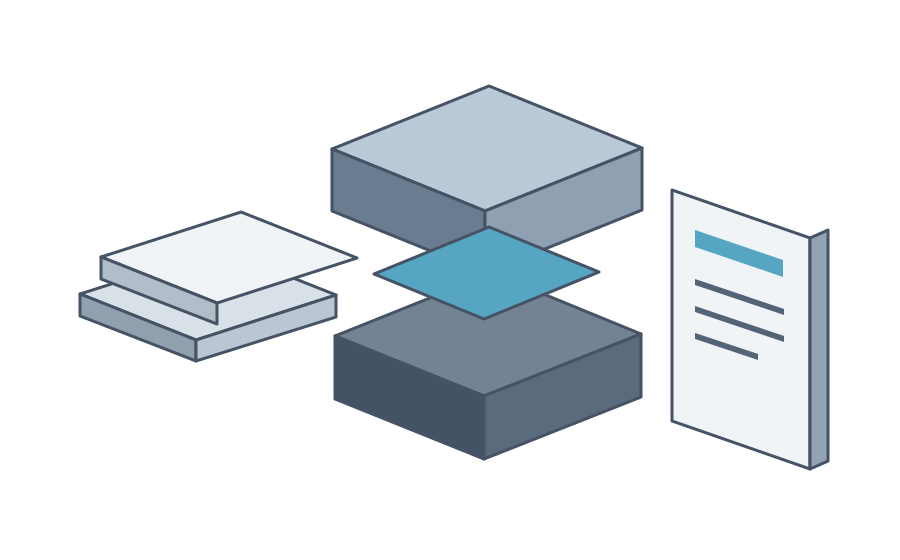
The original source stays in place while its values enter the core and a page emerges.
Open the evidence
This is a native figure built from the data below. Open it, inspect the values, then return to the page.
- Failure rate
Source: Five UTC checkpoints from the fictional OrbitDesk incident. Example checkout failure rates, not Report performance metrics. ·
Read the Markdown that builds this figure
::::chart{type="line" title="Failed checkout attempts" description="Fictional OrbitDesk checkout failure rates at five UTC checkpoints." x-label="UTC checkpoint" y-label="Failed attempts, percent"}
:::series{label="Failure rate"}
::point{label="09:35" value="0.6"}
::point{label="09:50" value="8.7"}
::point{label="10:05" value="18.4"}
::point{label="10:20" value="7.2"}
::point{label="10:35" value="0.8"}
:::
::::
Tables, diagrams and local media use the same theme. The original Markdown remains the source for the next revision.
Put the question beside the passage
Select this sentence and choose Create note: every decision should make its supporting evidence possible to check.
Continue the thread, resolve the question, then export review. when you want to return the
discussion to the author. Feedback is not sent automatically. This built page stores local notes;
it does not connect to Codex.
Revise with the conversation already doing the work
For a living document, run the local reader from the Codex conversation writing that source:
npx --yes agentic-report@0.21.1 serve ./my-page --humanOpen the printed localhost address. Select a passage and choose Ask agent. The reply streams into the chat; source edits rebuild the page and highlight what changed. By default this connects to the current loaded, writable Codex conversation through its compatible local control endpoint.
serve is an opt-in, single-user local reader. It does not publish the conversation as a hosted
service. Live discussion controls currently use English. A separate agent requires an explicit choice.
Follow a real task through the page
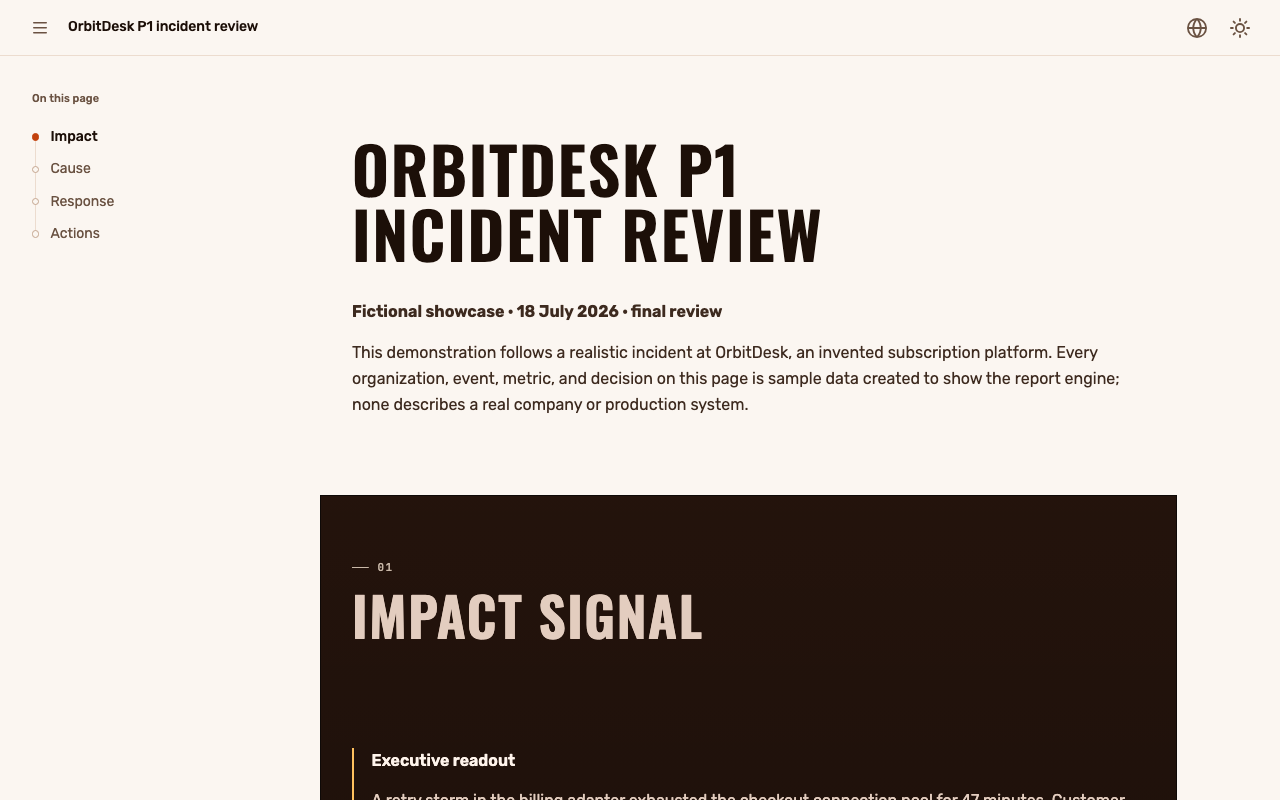
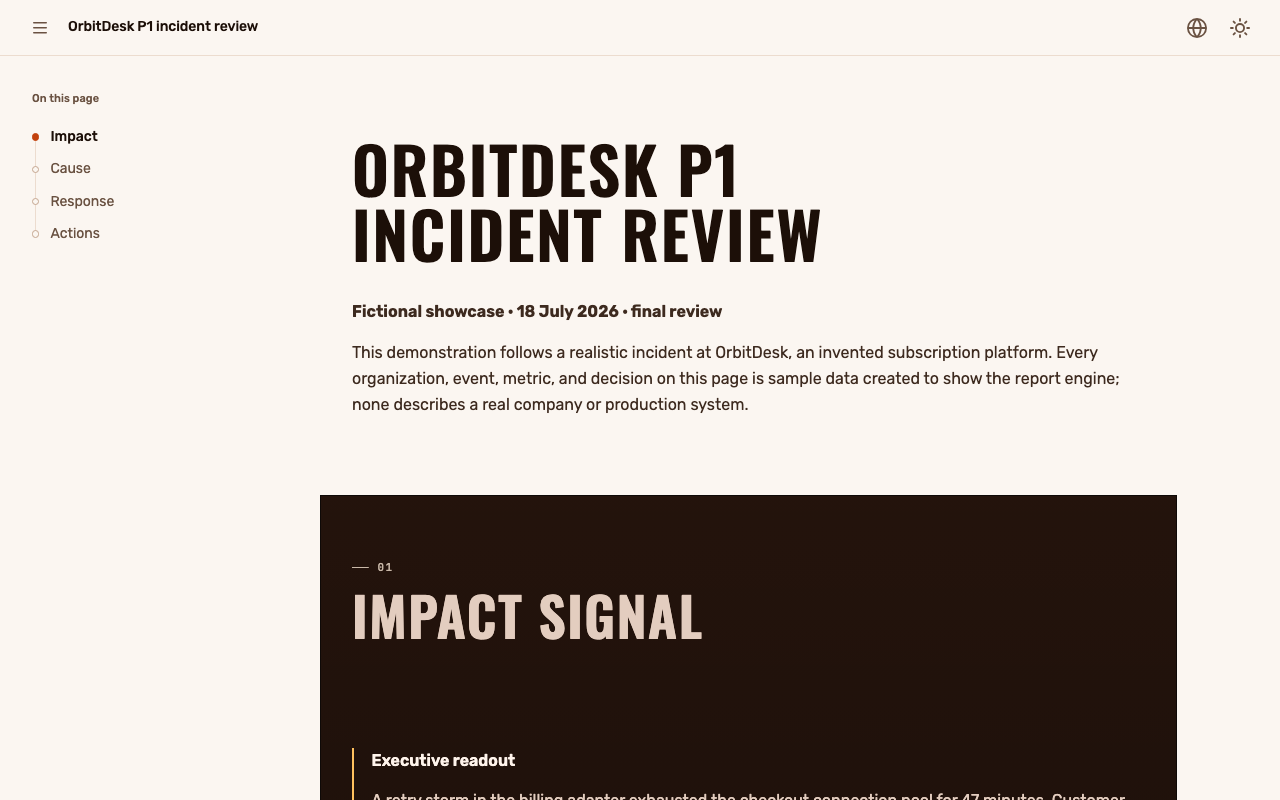
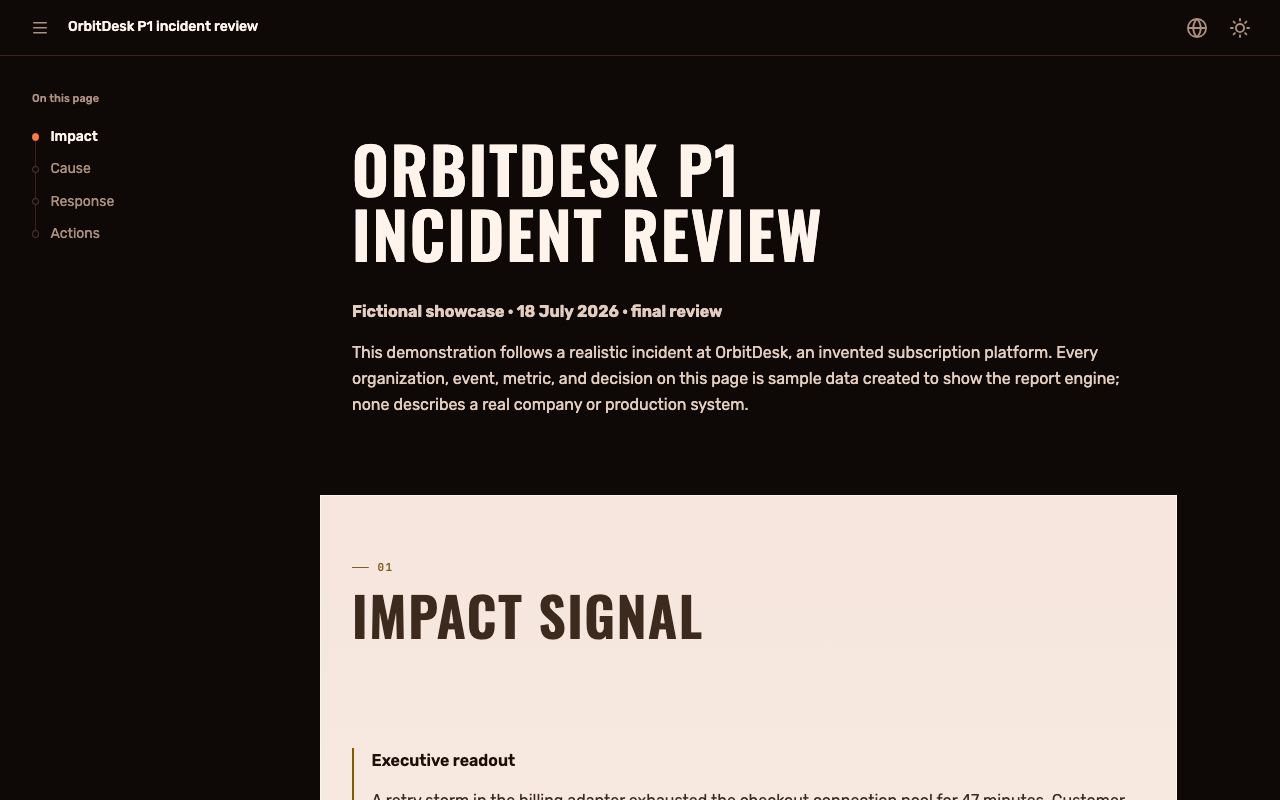
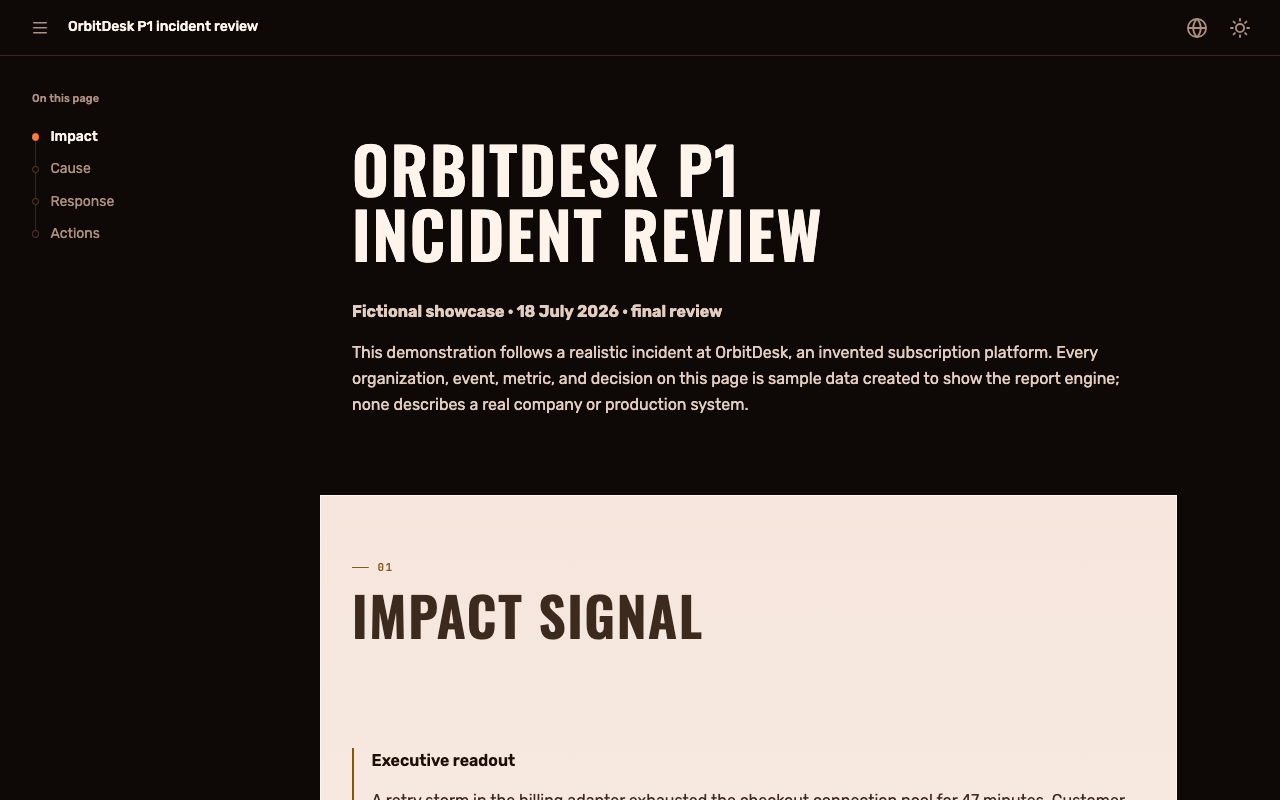
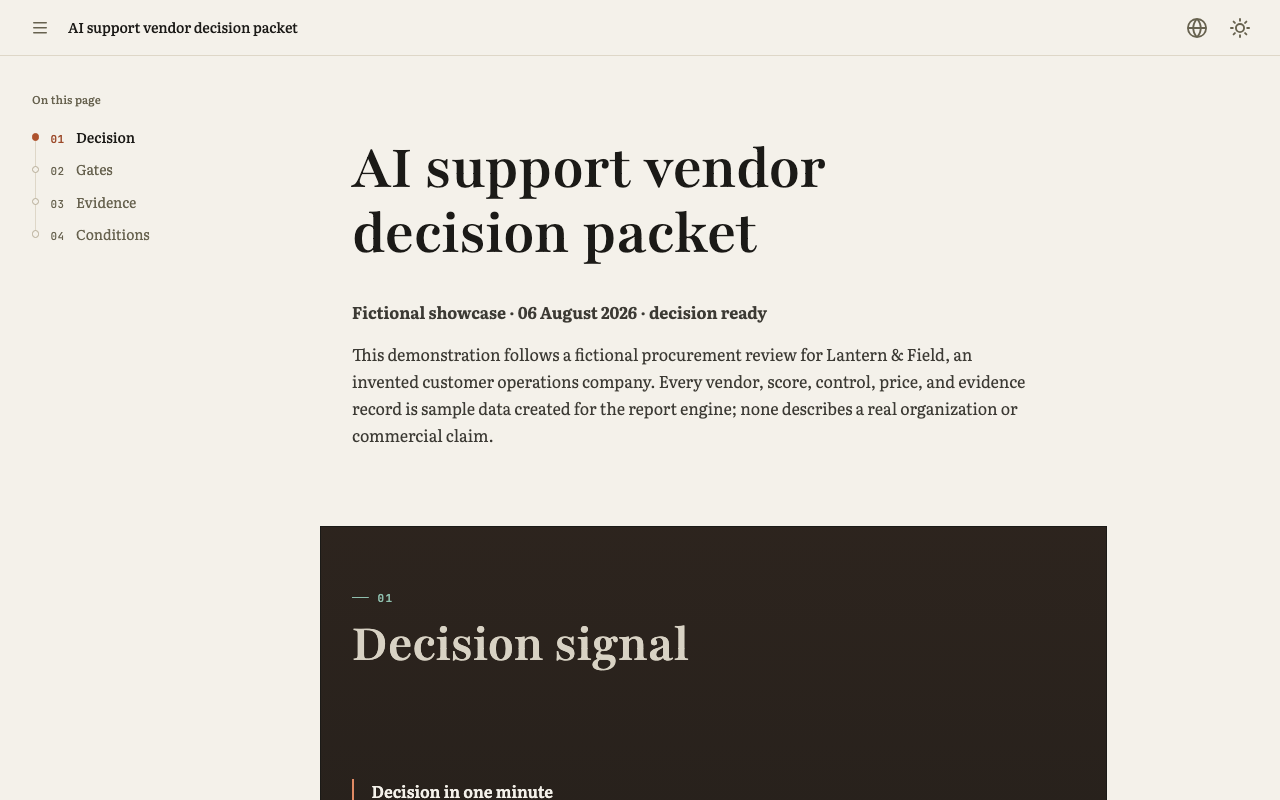
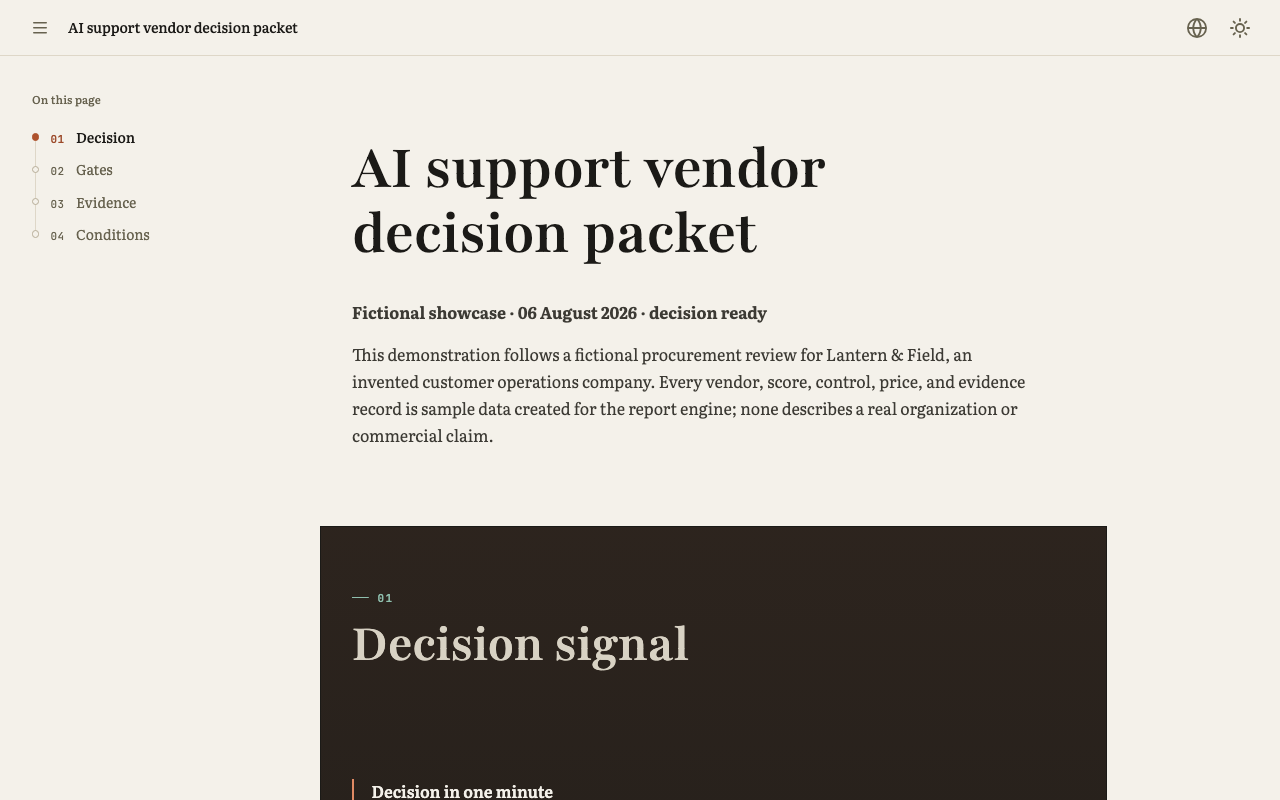
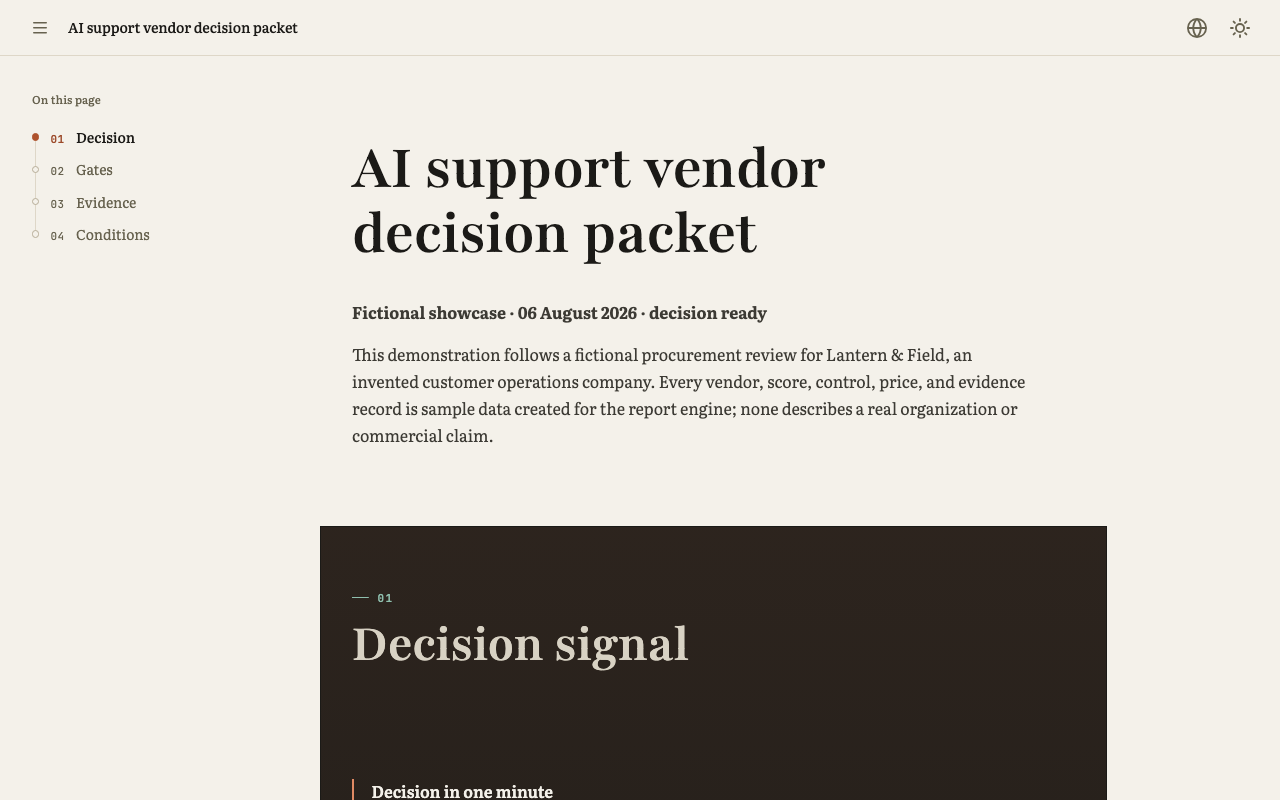
The organizations and evidence in these maintained examples are fictional. Their page layouts and interactions are actual package output.
Incident review
Impact, contributing causes, recovery checkpoints and follow-up actions share one report.
Vendor decision
Conditions and evidence support a recommendation, including what would change it.
Architecture
A system map sits beside alternatives and the rollout that follows the decision.
The capability tour pairs working techniques with Markdown. The visual catalogue shows complete compositions.
Browse all examples and their sources
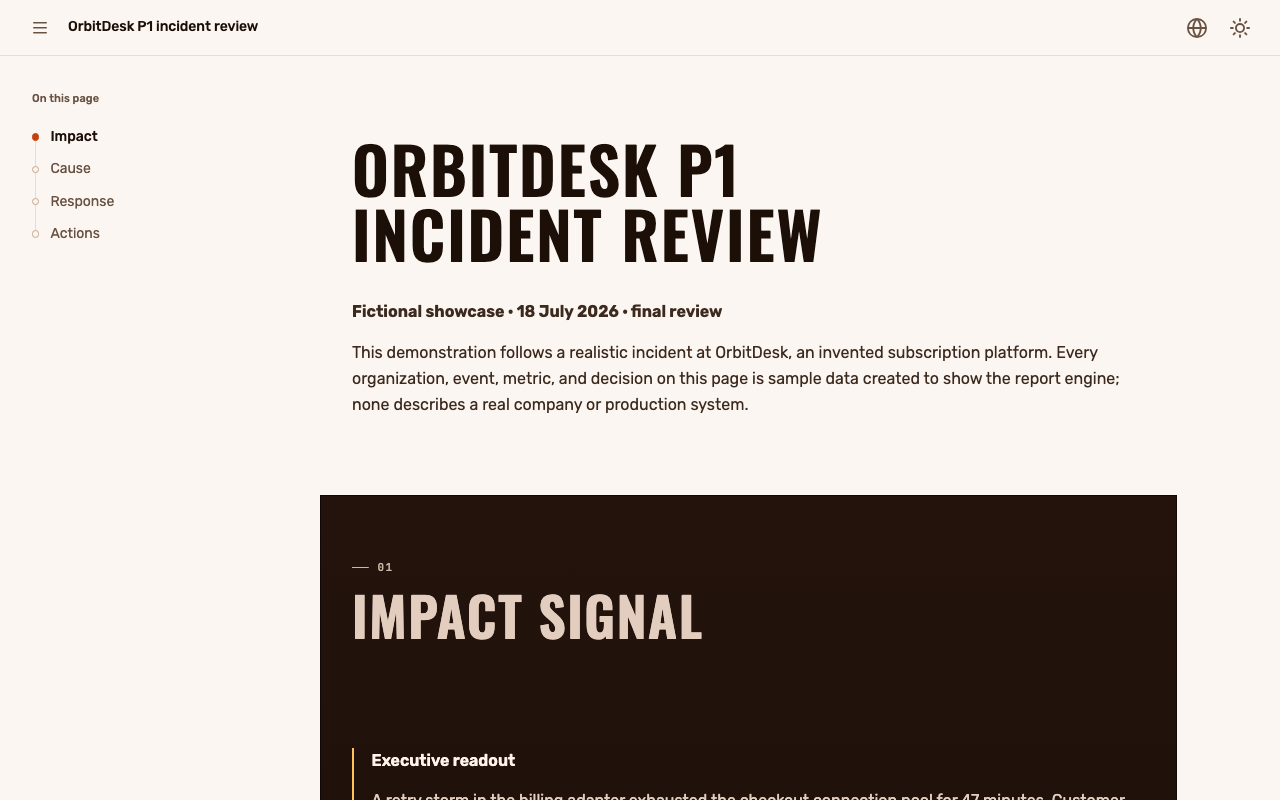
These are real captures of maintained examples in both colour schemes.

| Reader task | Working page | Authored source |
|---|---|---|
| Decision report | Open | Markdown |
| Research | Open | Markdown |
| Architecture | Open | Markdown |
| First-page tutorial | Open | Markdown |
| Dashboard | Open | Markdown |
| Landing starter | Open | Markdown |
| Visual catalogue | Open | Markdown |
| Interactive catalogue | Open | Markdown |
| Visualization atlas | Open | Markdown |
| Terminal portfolio | Open | Markdown |
| Cinematic story | Open | Markdown |
| Executive brief | Open | Markdown |
| Motion and depth | Open | Markdown |
| Run report from data | Open | Markdown |
| Capability tour | Open | Markdown |
| Incident review | Open | Markdown |
| Vendor decision | Open | Markdown |
| Launch readiness | Open | Markdown |
| Code review | Open | Markdown |
| A question to answer | Open | Markdown |
| Presentation | Open | Markdown |
| Open questions | Open | Markdown |
Review workspace · Review source · Prior review example · Structured Response · Packaged example manifest
Give your agent the material
Install the skill with the command at the top, then give your agent the real notes and evidence.
Use agentic-report to turn these incident notes into a report. Show the timeline and the evidence behind the decision. Let me comment on passages, and inspect the finished page on mobile and desktop.
Build directly from the command line
Use Node.js 24.18.0 or newer. The first invocation needs access to the npm registry.
npx --yes agentic-report@0.21.1 init ./my-page --starter document --json
npx --yes agentic-report@0.21.1 build ./my-page --output ./my-page.html --json
Edit my- between the commands. Open the resulting HTML directly from disk; it needs no
development server. build validates the source before writing the result.
The source contract describes the authoring boundary. The agent guide explains the page-making workflow.
Keep the source within reach
Human guide · Agent quickstart source · Exact skill · Landing starter source · Public route manifest · Release identity
The ordinary source format keeps remote fetching, raw HTML and implicit code execution outside its boundary. Declared extensions carry their own trust contract. Hosted collaboration, PDF export, pagination and disabled-JavaScript parity are outside the product.
Download this page's complete source graph
The two namespaces expose the same original files. Preserve the relative paths when saving an entry, its Russian variant, local data, images and the declared extension. The model code carries its MIT notice.
| File | Source namespace | Canonical namespace |
|---|---|---|
report. |
Download | Download |
report. |
Download | Download |
data/ |
Download | Download |
assets/ |
Download | Download |
assets/ |
Download | Download |
assets/ |
Download | Download |
assets/ |
Download | Download |
assets/ |
Download | Download |
assets/ |
Download | Download |
assets/ |
Download | Download |
assets/ |
Download | Download |
assets/ |
Download | Download |
assets/ |
Download | Download |
extensions/ |
Download | Download |
extensions/ |
Download | Download |
extensions/ |
Download | Download |
extensions/ |
Download | Download |
extensions/ |
Download | Download |
extensions/ |
Download | Download |
extensions/ |
Download | Download |
extensions/ |
Download | Download |